
Nokta Makro Legend Metal Detector Software Update
The new Nokta Makro Ledged metal detector has been log awaited, but is finally here! We are happy to say we have fulfilled all our back orders and now have a fair number of both the standard set up and the Legend Pro Pack.
We recommend all customers who have purchased a Legend to update their software immediately to get the most out of your detector.
News recently came out that they have already provided a new software update. This is good news. As a detector that is new to the market, there will certainly be bugs that need worked out. The good news is they seem to be on top of it.

Here are the updates to the Legend's software:
Updates Made:
- Pinpoint function has been improved.
- M 1 Multi Frequency parameters have been updated.
- Audio alert for Automatic Frequency Shift (Noise Cancellation) completion has been extended.
- Factory default Tone Break value has been changed from 11 to 10 in Park mode.
- Ferrous Off Discrimination Pattern has been updated to reject IDs between 1-10 in Park & Field modes.
- Threshold audio level has been increased in Gold mode.
- Audio response during ground balancing in Gold mode has been updated.
- Backlight levels have been re-configured.
- Bugs have been fixed.
How to Update Your Nokta Makro Legend Metal Detector Software:
Visit Nokta Makro's website to find the software download (click the link below):
https://www.noktadetectors.com/metal-detector/the-legend/
Here you will find a link to download the appropriate update for your operating system.
Operating systems: Windows, MacOS
If you experience any issues opening the setup file, please disable all anti-virus programs on your PC.
The latest update includes all previous updates.
VERY IMPORTANT!
PLEASE FOLLOW THE INSTRUCTIONS EXACTLY IN THE ORDER BELOW FOR THE UPDATE:
- Click on the link above then click on the link for the operating system you use (i.e. Windows, or MacOS). Download the files to a location you can remember. Click on the file foldger and Extract All of the files to a location you can remember.
- Go to the location where the files were extracted to. Double click on the file named "NoktaDetectorUpdateSetup". This will INSTALL THE EXE FILE (This is the Nokta Detector Update Tool. I recommend saving a link to it to your desktop so you can find and access it easily).
- CLOSE THE EXE FILE (close the Nokta Detector Update Tool).
- WITH THE LEGEND TURNED OFF, CONNECT IT TO YOUR COMPUTER.
- YOU MUST HEAR THE ALERT SOUND ON THE COMPUTER (very important) INDICATING THAT THE DEVICE IS DETECTED BY THE COMPUTER. IF NOT, REMOVE AND CONNECT AGAIN.
- WITH THE DETECTOR STILL OFF, PRESS AND HOLD THE UP BUTTON UNTIL YOU SEE THE LETTES ‘’UP’’ ON SCREEN, THEN LET THE BUTTON GO.
- RUN THE EXE FILE.
- SELECT THE bin FILE. (This file is named "LEGEND_v1.05.bin" and can be found in the location you extracted the files to).
- ONCE THE UPDATE BUTTON BECOMES ACTIVE, PRESS IT.
- THE LETTERS "UP" WILL BE ERASED FROM SCREEN AND YOU WILL SEE NUMBERS COUNTING FROM 1-100.
- ONCE THE UPDATE IS DONE THE LETTERS LD WILL COME UP ON SCREEN. IF YOUR COIL IS CONNECTED, THE DEVICE WILL TURN ON. IF NOT, IT WILL SAY CC AND SHUT DOWN.
You Might Be Interested In


Coin & Relic Cleaning Supplies
Pair text with an image to focus on your chosen product, collection, or blog post. Add details on availability, style, or even provide a review.
White’s TM 808 Deep Seeking Metal Detector – Cache Finder, Relic Hunter, Large Target Locator

20% off

White’s TM 808 Deep Seeking Metal Detector – Cache Finder, Relic Hunter, Large Target Locator
- Sale price
- $604
- Regular price
- $747
Open Box Minelab CTX 3030 6" Round Double-D Search Coil – Opened, Unused


Open Box Minelab CTX 3030 6" Round Double-D Search Coil – Opened, Unused
- Price
- $468
Open Box DetectorPro Grey Ghost Uni Probe – Compatible with Minelab Equinox
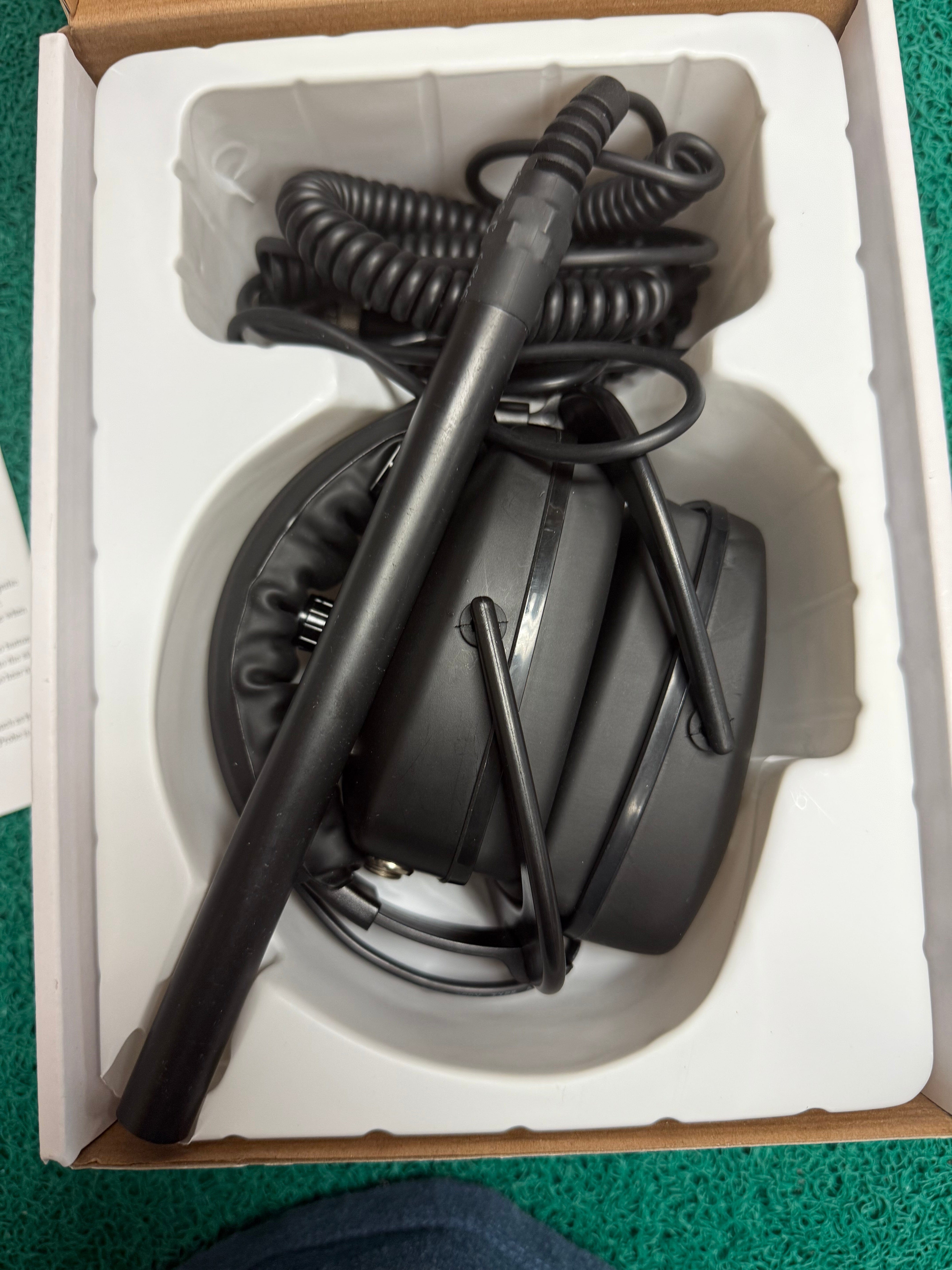
Open Box DetectorPro Grey Ghost Uni Probe – Compatible with Minelab Equinox
- Price
- $278
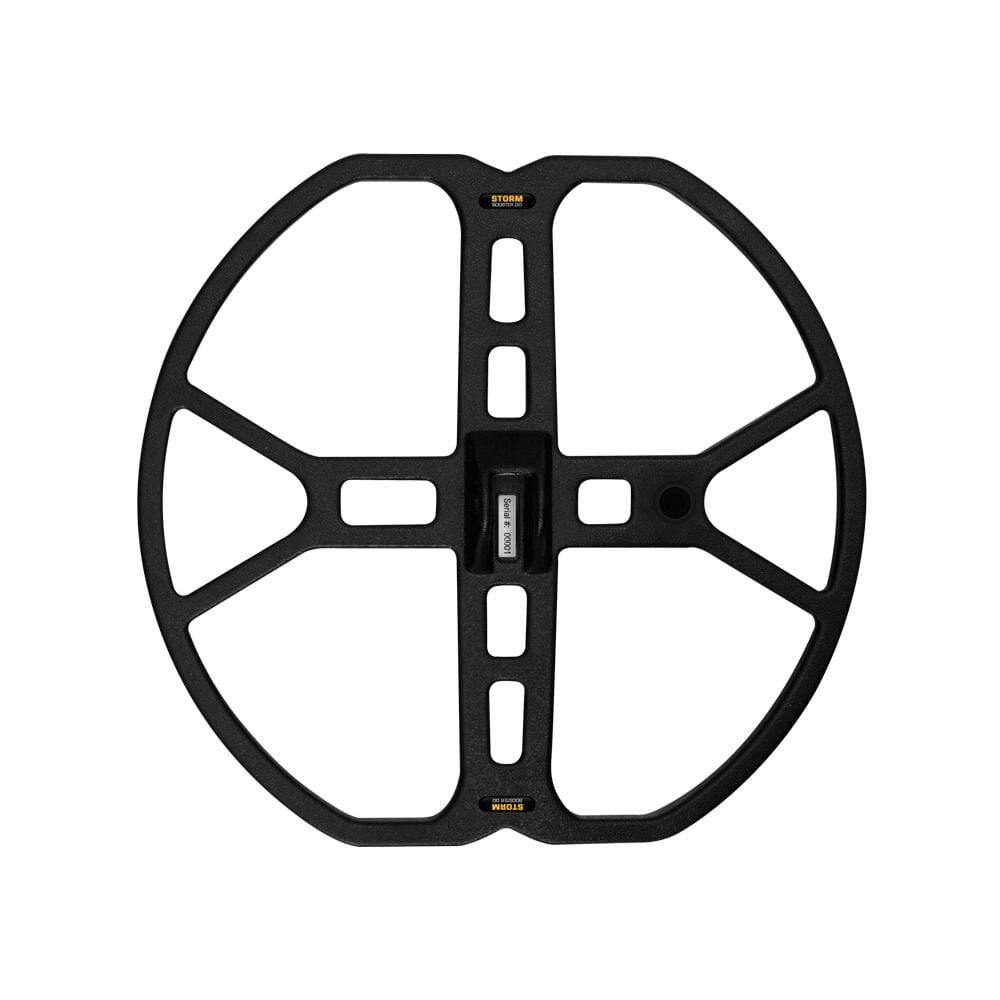
NEL Storm 13" x 14" for Garrett AT Gold Series Metal Detectors
34% off
NEL Storm 13" x 14" for Garrett AT Gold Series Metal Detectors
- Sale price
- $228
- Regular price
- $342
Open Box Return Tele-Knox Detecting Innovations Equinox 600 and 800S-Stem Telescopic Carbon Stem

35% off

Open Box Return Tele-Knox Detecting Innovations Equinox 600 and 800S-Stem Telescopic Carbon Stem
- Sale price
- $214
- Regular price
- $327
Demo Nel Hunter Search Coil for Garrett AT Pro – Like New

25% off

Demo Nel Hunter Search Coil for Garrett AT Pro – Like New
- Sale price
- $213
- Regular price
- $283
Open Box Nokta Amphibio AF35 13" Search Coil – Unused Return
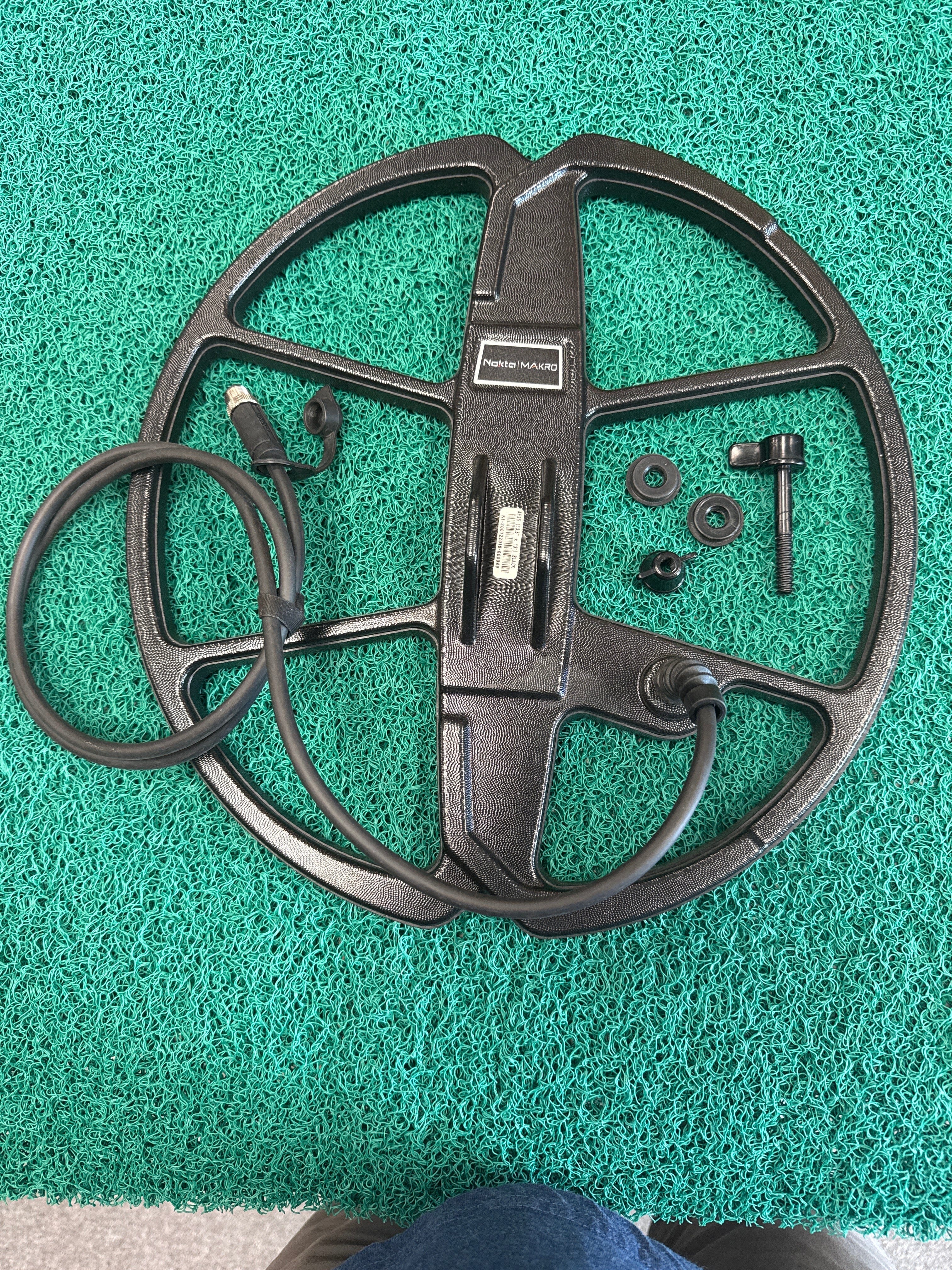
Open Box Nokta Amphibio AF35 13" Search Coil – Unused Return
- Price
- $198

- Choosing a selection results in a full page refresh.

